Here is a first transition on the theme of the clock ... different transition in this series aim to highlight the time lag between the opening sequence and the end. It will be possible to set the starting time, which will appear with the opening movie, and the ending time which will be displayed with the ending sequence. The unique feature of these transitions is that you'll see a continuous movement between starting and ending time! This transition also briefly display 4 intermediates clips between opening and endng. To set the starting tim, set the theme at the instant when the clock appears, then adjust the corresponding slider. Then position the subject at the instant when the clock and the ending sequence are present, then adjust the corresponding slider.
//
Informations :
Position:segue
(single)
duration:25 secondes (non stretchable)
Settings
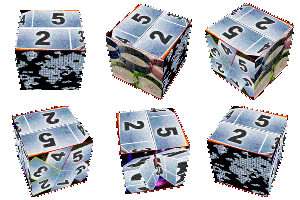
6 Drop Zones where you can put pictures or video of your choice .
Photo to select a background image
Color adjusts image background color
Start sets the time displayed at the beginning of montage theme
End adjusts the time displayed at the end of theme
Border adjusts transparency of the clock border. If you don't want to display this contour, just push the cursor to the left.
Date adjusts the date to be displayed on the clock